Enhance All Video Types with AI Technology

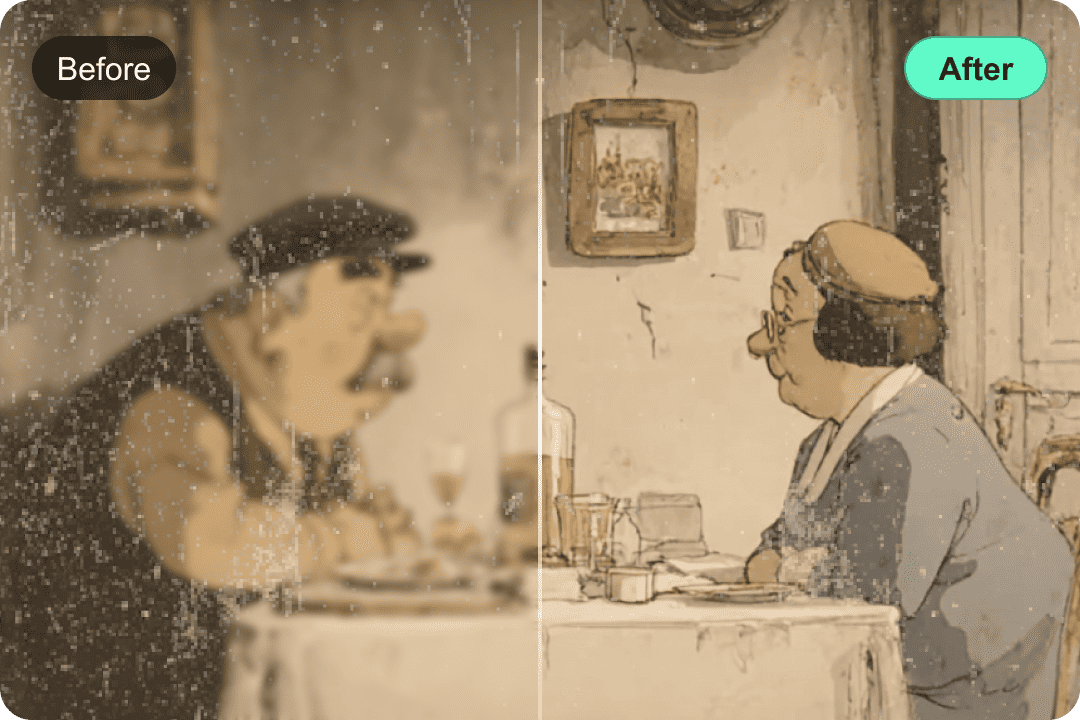
With the latest algorithm, VidHex is an advanced AI video enhancer that can help you improve old video's sharpness, recover their fine textures, and increase the overall clarity. No matter it's an old marriage recording, a graduation ceremony, or faded films, VidHex can rearrange this low-resolution footage to brand new HD quality.

Buy Now

Buy Now

30-Day Money Back Guarantee

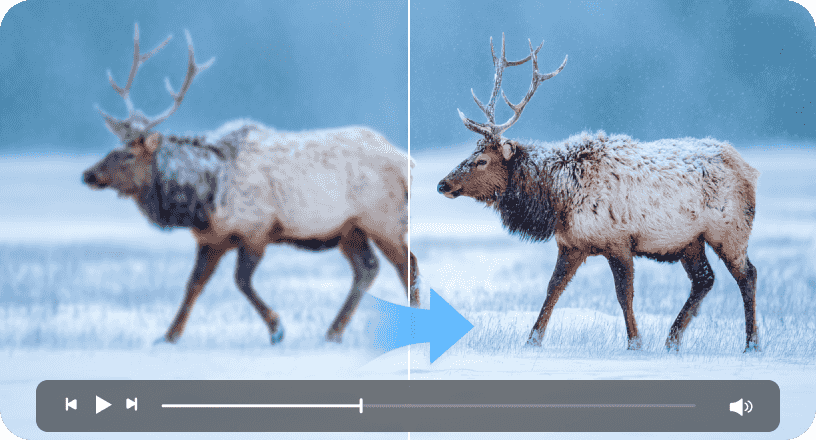
Precision Unblur & Detail Recovery

No longer suffer from the motion blur or focusing distortion. VidHex detects where the blur is occurring and regenerate missing detailed information. With the use of edge sharpening and missing information restoration techniques, it shifts your unworkable, foggy video to a clear high-definition video with your subject being the main focal point.

Buy Now

Buy Now

30-Day Money Back Guarantee

Upscale Video Up to 4K/8K

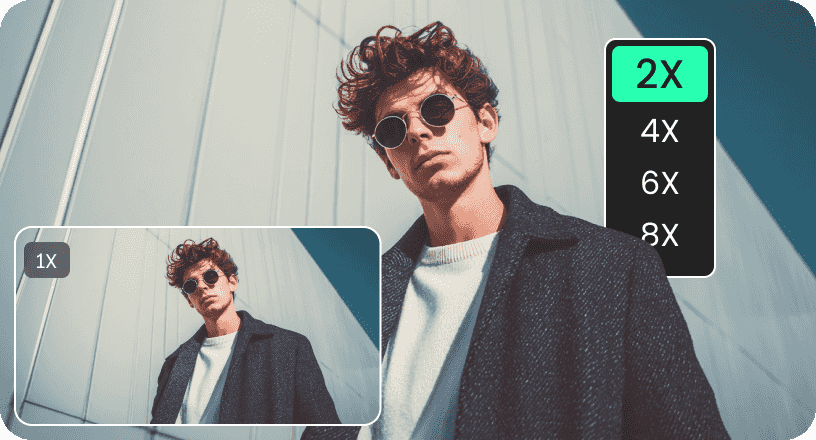
VidHex is created for the intelligently scaling your clips, including animations, and converting low-resolution artwork into clear 8K Ultra High Definition. You can use the program if you would like to view colorful images of animations, if you are planning to widen the screen for your animation, or if you would simply like your animations to appear clearer and more detailed.

Buy Now

Buy Now

30-Day Money Back Guarantee

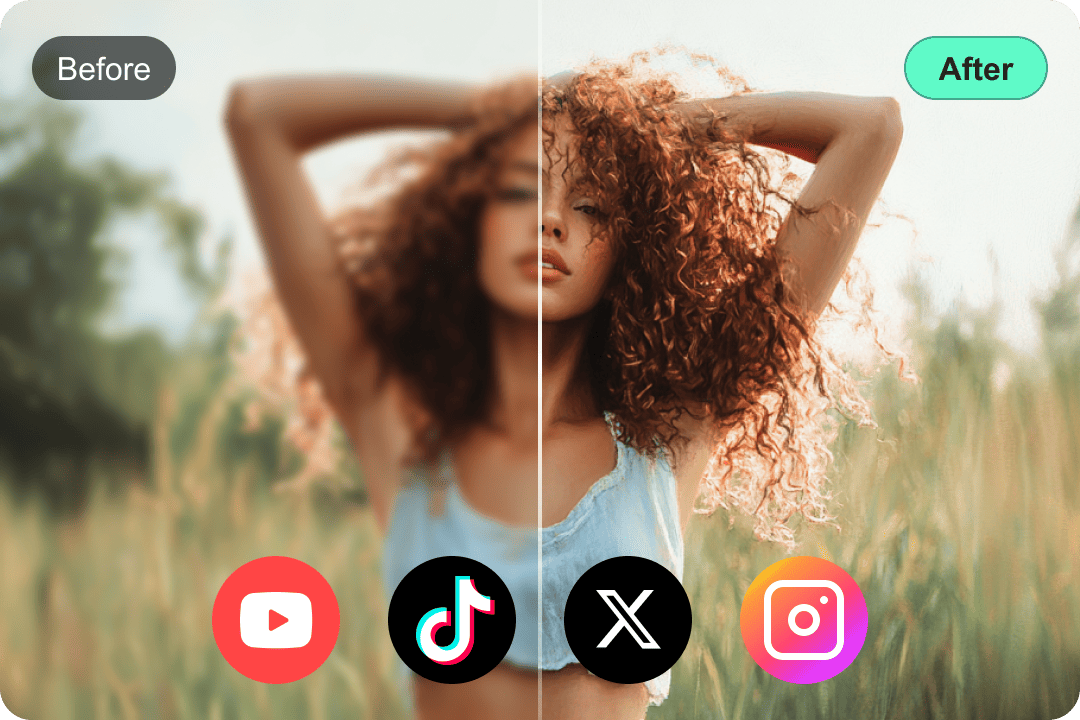
Improve Human Face Details to Crystal Clear

VidHex can restore and enhance human faces in your footage. This tool can subtly smooth skin, reduce blemishes, sharpen features, and even improve lighting and color balance for more natural and appealing results. Whether you're refining interviews, presentations, or personal videos, this software helps you present individuals in their clearest and most flattering light.

Buy Now

Buy Now

30-Day Money Back Guarantee

Intelligent Video Noise Remover

Eliminate grainy and ISO noise effectively without compromising picture definition. With VidHex AI denoiser, it is possible to distinguish between unwanted noise and actual detail to remove any imperfections in footage shot in unfavorable conditions. Take pleasure in seeing clean surfaces, even in extreme action footage, or compressed files.

Buy Now

Buy Now

30-Day Money Back Guarantee

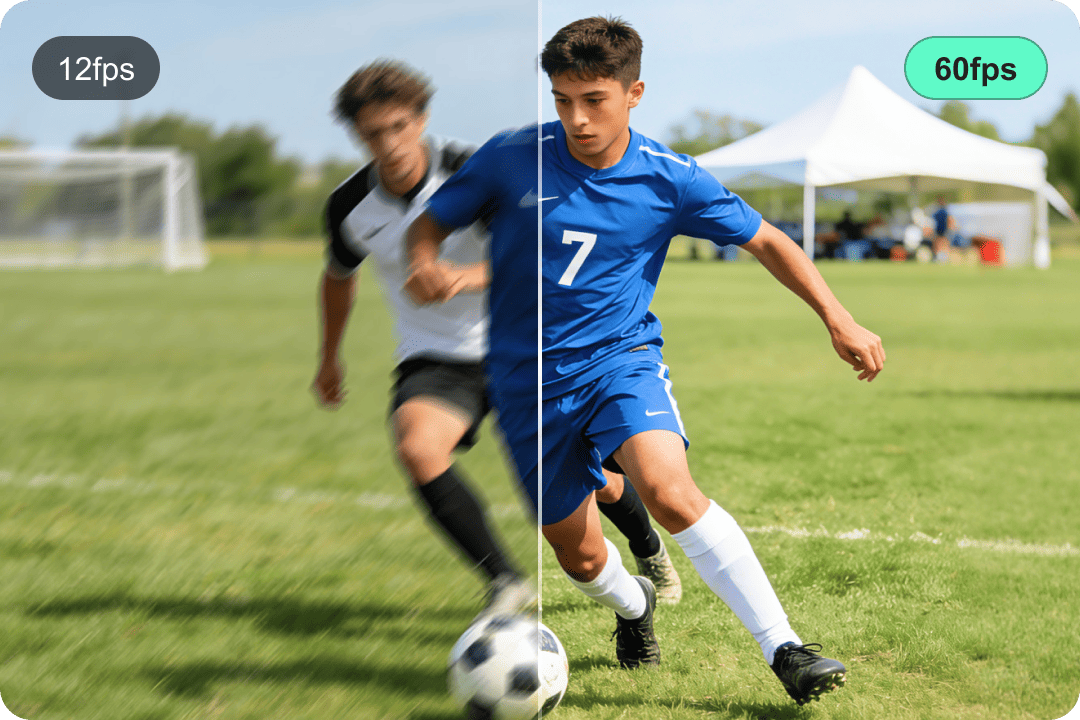
Make Smooth 120FPS Video with AI Frame Interpolation

Eliminate stuttering and motion judder by increasing your video’s frame rate. Our AI generates new, seamless frames between existing ones, transforming 24fps or 30fps footage into silky-smooth 60fps or higher. This is ideal for creating high-quality slow-motion effects or achieving a fluid, lifelike motion feel.

Buy Now

Buy Now

30-Day Money Back Guarantee
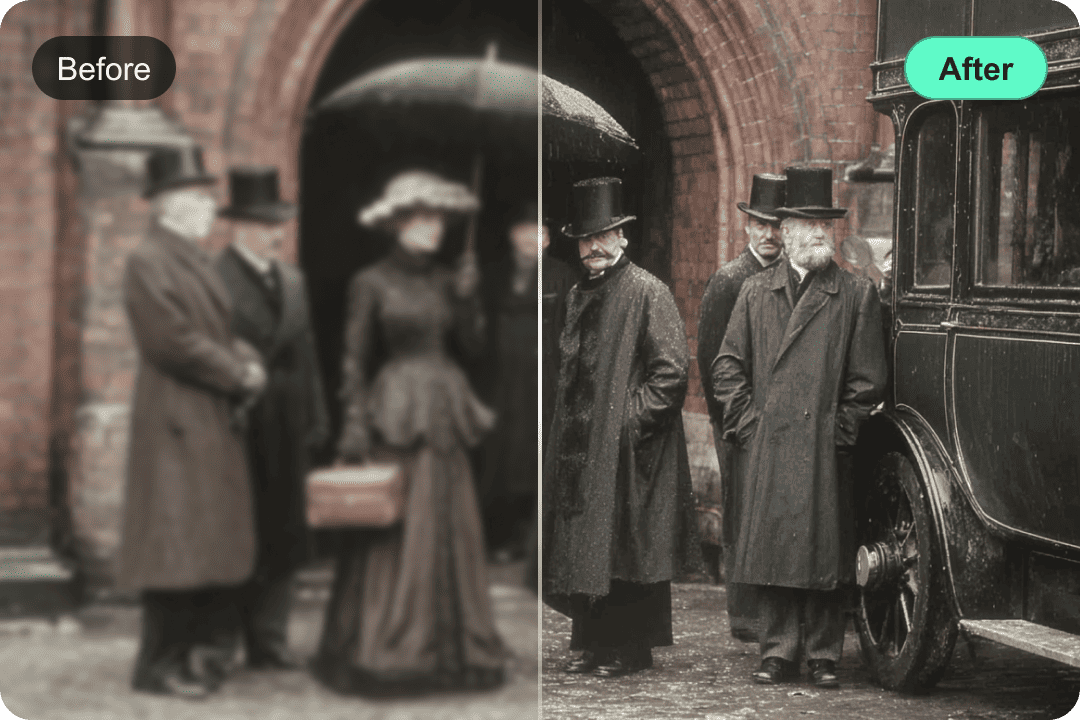
Night Scene Enhancement
B&W Colorize
HRD Color Correction

Brighten Low Light & Night Scene

Turn dark and under-exposed night time footage into bright and easily visible footage. This function not only removes shadows but also enhances visibility in low-light settings. This feature ensures that it reduces the "mud" effect associated with footage taken at night and ensures that everything is seen clearly.

Colorize Black & White Video to Real

Witness history come alive or breathe new energy into your classic footage with this innovative video enhancer software. VidHex is able to colorize black and white videos by analyzing grayscale information to add realistic and natural-looking color, bringing a fresh perspective to historical archives, cherished family memories, and Vintage Films.

Lifelike Color Correction and HRD Conversion

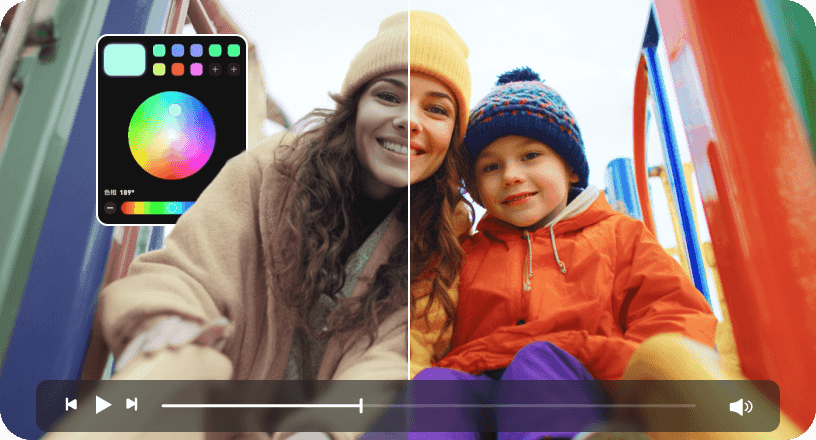
Unleash the entire potential of your video color dynamic range. Through VidHex HDR and color correction processes, it is able to extend your color range and contrast, thereby making your colors more vibrant and lifelike, increasing color accuracy that accurately represents how a human eye would perceive those colors.

What Makes VidHex Video Enhancer the Best

AI Powered

AI-Powered Intelligent algorithms automatically analyze and enhance every frame.

GPU Accerleration

Hardware Acceleration Optimized for GPU and AI acceleration to deliver faster processing.

Batch Processing

Process hundreds of clips or images in one go, with consistent quality.

No Watermarks

Export clean, production-ready results with no added branding.

Professional-Grade Enhancement

Restore detail, reduce noise, and refine image quality to studio standards.

200+ Scenarios & AI Models

Choose from over 200 AI models tailored to different scenes and use cases.

Offline Processing

Run entirely on your local machine, no uploads, no cloud dependency.

Easy to Use

A streamlined interface that lets you get results in just a few clicks.

What Videos Can VidHex Handle

Classic Movies

Classic Movies

Social Media

Social Media

Animation Clips

Animation Clips

Sport Video

Sport Video

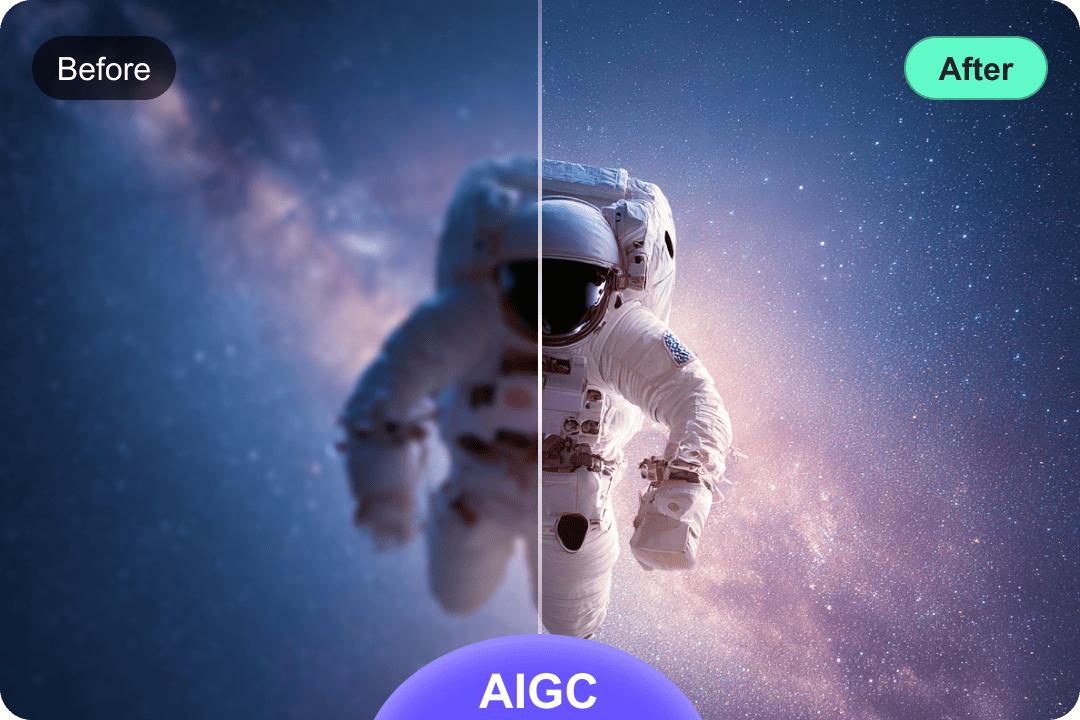
AIGC

AIGC

Who is VidHex Video Enhancer best for?

Social Media Creators

Social Media Creators

Social Media Creators

Marketing Professionals

Personal/Family Users

Personal/Family Users

Educators/Online Education Creators

Educators/Online Education Creators

Film/Video Editors

Film/Video Editors

How to Use VidHex Video Enhancer

01

Import Your Footage

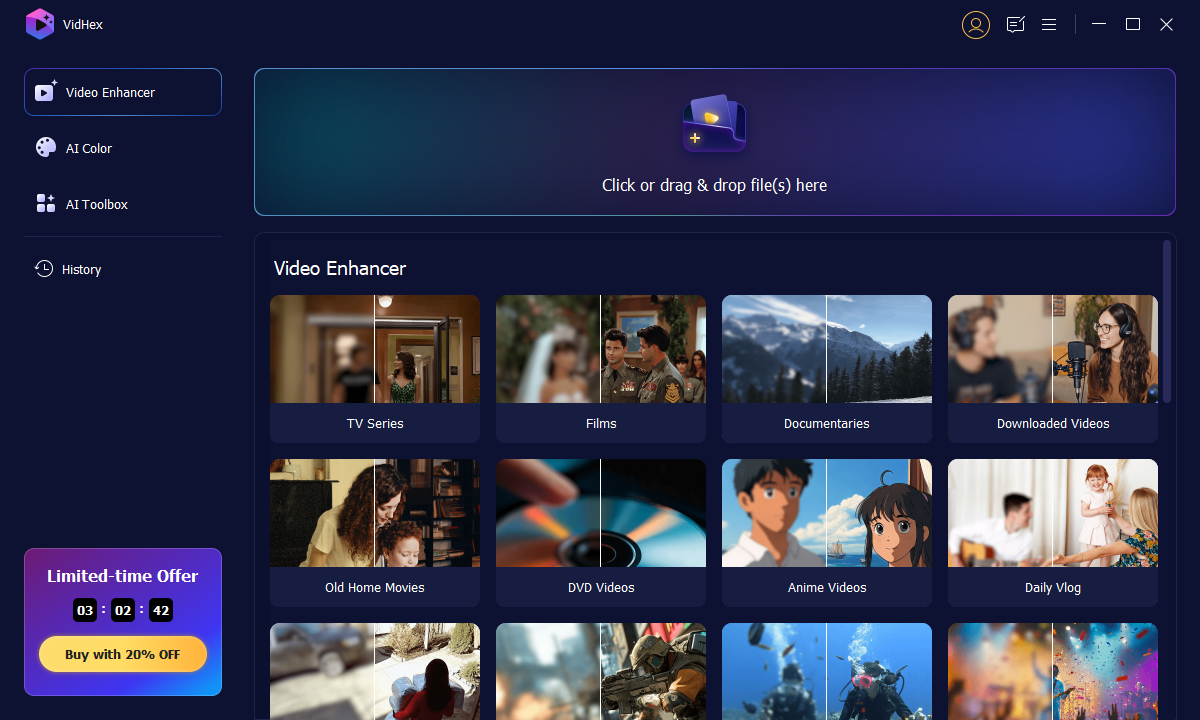
Launch VidHex and drag your footage file into the interface. Or you can hit the Click or drag & drop files(s) here button.

02

Choose an AI Model

Once the video is imported, select the model you want to use. Different VidHex AI models have different effects on the video. Select one and click Preview. Then, continue with Export Now button to ensure your enhancement.

03

Export the Result

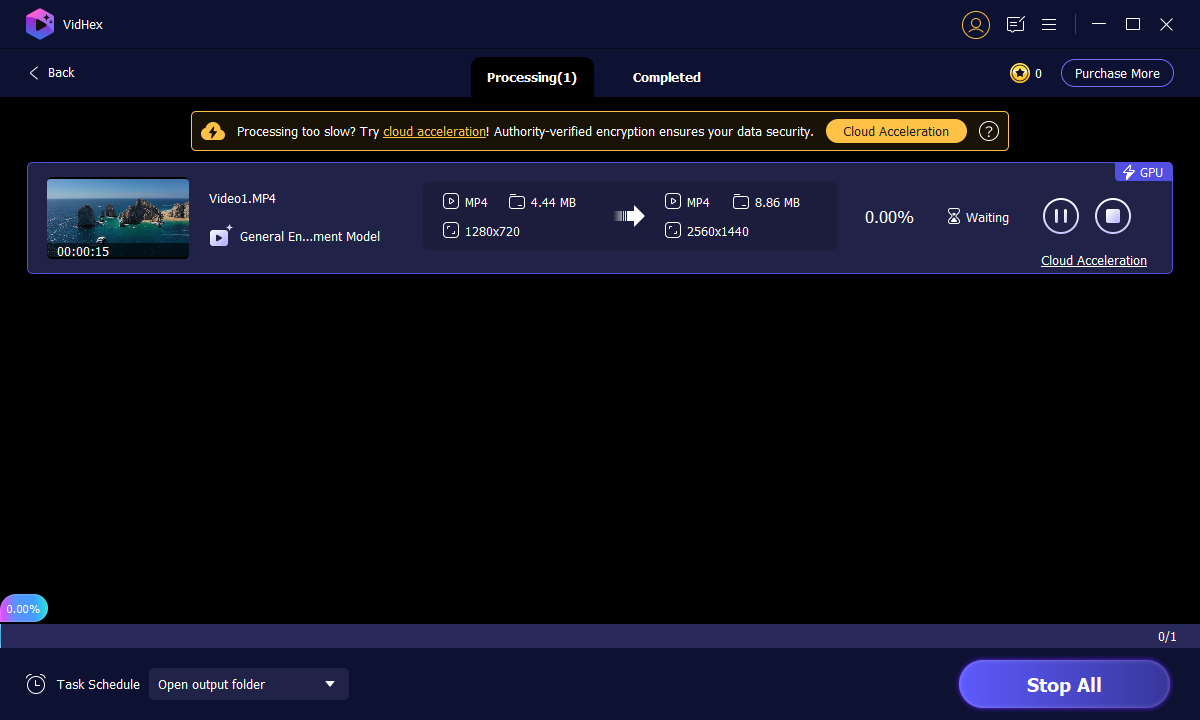
Wait for the processing for a while, or you can click Cloud Acceleration to process in cloud.

Vidhex Interface Vidhex Processing Vidhex Export Result

Buy Now

Buy Now

30-Day Money Back Guarantee
What do people say about VidHex

Comment Decoration

VidHex truly blew me away! My old, blurry vacation videos now look incredibly sharp and vibrant - it's like reliving the moments in high definition. A must-have for anyone looking to upgrade their footage.

KylieKylie Five star Rating
Comment Decoration

I'm so impressed with how easy VidHex is to use, even for a beginner like me. With just a few clicks, it magically cleaned up the noise and boosted the clarity in my amateur recordings. The results are simply professional-grade!

BenBen Five star Rating
Comment Decoration

VidHex Video Enhancer is a game-changer for content creators. The AI upscaling is remarkably intelligent, preserving details while smoothing out imperfections. It's saved me countless hours of manual editing and delivered stunning output every time.

BillieBillie Five star Rating
Comment Decoration

Finally, a video enhancer that actually delivers on its promises! VidHex transformed my low-light footage, bringing out details I didn't even know were there. The color correction and de-noising features are incredibly powerful.

JackyJacky Five star Rating
Comment Decoration

From old family films to recent smartphone clips, VidHex has consistently produced phenomenal results. The speed and efficiency of the processing, combined with the noticeable jump in visual quality, make this software an absolute essential for my video library.

BethBeth Five star Rating

Frequently Asked Question

What is the difference between upscaling and standard resizing?

Traditional resizing will only stretch the pixels that are already there, creating a blurry or “blocky” image in the process. VidHex AI Upscaling utilizes artificial neural networks to “predict” pixels and fill in the blanks with realistic data in order to achieve a true 8K resolution that looks natural and pristine.

Is it possible for VidHex to enhance blurred security footage?

Yes. Our Unblur and Denoise features provide excellent results in the field of forensics. The two features help to sharpen the blurred areas in an image and reduce sensor noise, allowing forensic experts to easily pinpoint important details such as the face of a individual or the number plates of a vehicle in a grainy security video.

Does the Face Refinement tool make people look "fake" or "waxy"?

No. "Texture Preservation" is our first concern. Unlike simple filters, our AI not only knows how to apply a professional sharpening of features but will also maintain normal skin pores, hair, and shadows.

Do I need a powerful computer to use these AI features?

Although the processing of AI is very demanding, VidHex is designed to take advantage of GPU acceleration (supports NVIDIA, AMD, and Intel cards). In addition you can enable AI cloud accerleration to greatly boost the processing of the video enhancement and 8K exporting, making it 50× faster than video editor that only uses your computer's CPU.

Success

Congratulations!

Thank you for subscribing! You've successfully joined our newsletter. Expect updates, offers, and insights delivered straight to your inbox.